

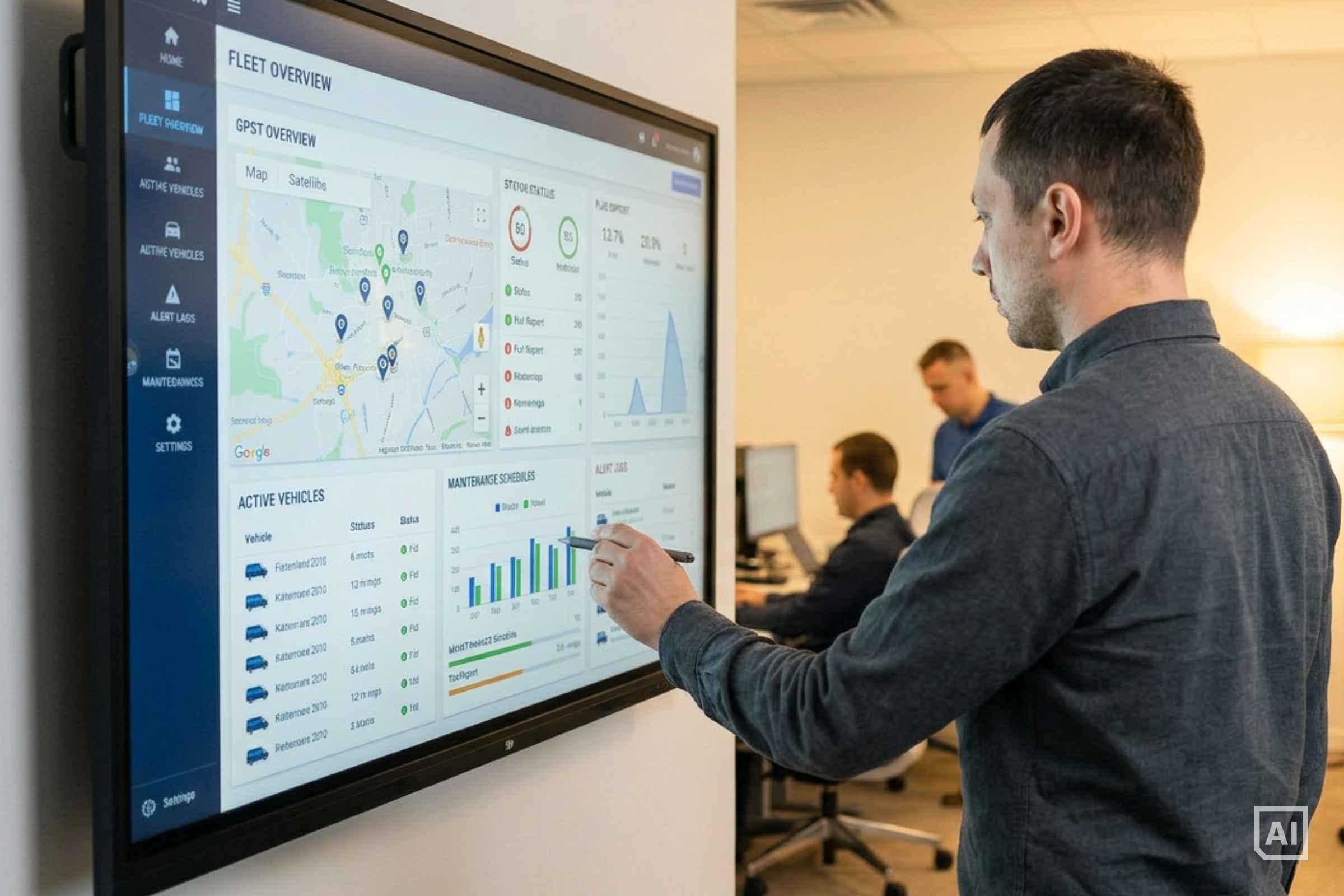
As an operator, you need to track which vehicles are currently available for rental and which are at risk of going offline soon. We call this "fleet health monitoring", a process where you use data from the telematics unit to identify potential issues with your vehicles.
In this lesson, we'll cover the two most important data signals, three stages of monitoring maturity as your fleet grows, and creative cross-system signals that catch problems before they reach a customer.
Two Signals That Matter Most
The most useful starting point is not a comprehensive list of vehicle data points. Two signals account for the majority of avoidable outages for most operators:
1. Battery Voltage
The 12V battery powers the car's basic functions, including the telematics unit installed in each vehicle. When it fails, the vehicle becomes unreachable:
- Telematics goes offline:
The unit loses power and drops out of your monitoring view - App access fails:
Customers cannot unlock the car, and bookings cannot proceed - A field visit is required:
Someone has to drive out to the vehicle, jump-start it, and often replace the battery on the spot
Battery problems in a car sharing fleet usually come from two sources.
The first is age. After three to five years, a battery's capacity drops and it can fail to start the engine even when it looks healthy at rest. The second is discharge during idle periods. Every parked vehicle slowly drains its battery through the telematics unit, alarm, and other always-on systems.
The second one is a customer who leaves the lights on after ending a rental as this can flatten a battery in hours. A telematics unit that reports lights-on status lets your app block rental completion until the lights are switched off. That single check removes one of the most common causes of unexpected dead batteries.
Voltage monitoring gives you early warning before a battery fails completely. Two readings matter:
- Resting voltage (vehicle off for several hours) tells you how charged the battery is. A healthy battery sits around 12.7 V. Below 12.2 V, the battery is roughly half-discharged and should be recharged before the next booking. Below 12.0 V, you are close to a no-start.
- Cranking voltage (the dip when the engine starts) tells you how healthy the battery is. A weak battery dips well below 10 V under load even if its resting voltage still looks normal. Tracking this over weeks catches aging batteries before they strand a customer.
Set thresholds that alert your operations team while there is still time to act, whether that means recharging the battery, swapping the vehicle out of service, or sending a customer-facing note to extend the next booking's drive time. Once a battery is fully dead, only a field visit will fix it. The point of monitoring is to make sure that visit is planned, not reactive.
Source: INVERS Success Story with Flexicar
2. Maintenance and Service Data
Warning lights and service due dates are the second category worth monitoring. Modern vehicles increasingly calculate service intervals based on actual wear rather than fixed mileage, which means a service date that looked three months away when a car left the workshop can shift earlier as driving conditions change.
Reading service data directly from the vehicle via telematics eliminates manual tracking. Rather than noting a service interval when a car leaves the workshop and subtracting mileage as the fleet is driven, the system reads the car's own calculation in real time.
Additionally, real-time visibility into warning lights gives you information about issues that pop up unexpectedly, such as low tire pressure or a check engine light. Many of these warrant an immediate removal of the vehicle from the booking system and a workshop visit, so it's key to have real data and not rely on customer reports for this matter.
It is the same data the car is using, so there is no gap between what the vehicle knows and what you see.
Three Stages of Fleet Monitoring
Telematics units provide you with a constant stream of data, so you can monitor your fleet health from the comfort of your desk. But how you turn data into action depends on fleet size and the infrastructure you have in place. Most operators move through three broad stages as their operations grow, though the progression is not always linear.
1. Manual Monitoring
When starting out, filtering your fleet management system by vehicle data is usually sufficient. These are a few filters worth running regularly:
- Low battery voltage:
Flag vehicles approaching your alert threshold before they go offline - Reservations that never converted:
Cars that were booked but never moved often signal an underlying issue - Support ticket frequency:
Vehicles generating repeated complaints warrant a closer look - EVs that aren't charging:
If an EV is connected to a charger but not getting any power, it could just be a failed charging session, but it might also hint at a fault within the vehicle. In any case, it is worth checking out.
Combining telematics data with booking behavior and customer feedback surfaces issues that no single data stream would catch on its own.
Source: INVERS Success Story with Jewish Family Services
Manual monitoring works well at small scale. As fleet size grows and data volume increases, filtering becomes time-consuming and alerts start getting missed.
2. No-Code Workflow Tools
Tools like Make.com, N8n, and Zapier let you build automated alert workflows without writing code. When a vehicle's battery voltage drops below your threshold, a workflow can create a ticket in your internal system and send a notification to a team channel at the same time.
Or, you can try incentivizing customers to help with keeping your fleet health up by offering discounts or free driving minutes for inflating a tire with low pressure or refilling AdBlue. Using data from your telematics unit and CRM as input, you can put together simple no-code workflows that handle outreach, monitoring, and rewards.
These tools often require your telematics platform to support webhooks, which most modern platforms do. Data delivery options are worth confirming with any telematics vendor before committing.
No-code tools handle simple trigger-action workflows well. Their limits emerge when logic becomes more complex than a single trigger-action pair, or when a workflow needs to interact with multiple systems at once.
3. In-House Systems
Larger operations typically integrate monitoring directly into their own systems. This can include dashboards built from telematics and booking data, automated ticketing that routes field jobs to specific team members, and direct integration into the operator's car sharing platform.
The advantage is flexibility. You build exactly the workflows your operations need, without working around the constraints of a third-party tool.
Creative Signals Worth Tracking
Standard fleet health monitoring covers battery and maintenance data. Operators who get creative with their data often catch issues earlier than those tracking only the obvious signals. Here are three examples:
Reservations that never converted
A car booked repeatedly but never moved may have an intermittent telematics or mechanical issue that doesn't appear in standard data streams.
Support ticket frequency
A vehicle generating a disproportionate number of complaints is worth investigating beyond what telematics data shows.
Trip ratings
Vehicles that consistently rate below your fleet median may have a mechanical or comfort issue that has not triggered a formal alert.
One caveat worth keeping in mind: tracking too many signals creates noise. Start with the two critical ones, automate what you can, and add new signals only when your team has the capacity to act on them.
Key Takeaways
What does "fleet health monitoring" in car sharing mean?
Fleet health monitoring is how car sharing operators use telematics data to track which vehicles are ready for rental and which are at risk of going offline.
What are the two most important signals to monitor?
12V battery voltage and maintenance data. Both are available through telematics and account for the majority of avoidable vehicle outages. Other signals are useful but depend on your specific fleet and use case.
Why does 12V battery monitoring matter so much?
A dead 12V battery takes the vehicle offline completely. The telematics unit disconnects, the app cannot unlock the car, and recovery requires a field intervention. Voltage monitoring gives you an alert before that point.
How do operators automate fleet health alerts?
No-code tools like Make.com, N8n, or Zapier can trigger automatic tickets or notifications when a threshold is crossed, as long as your telematics platform supports webhooks. Larger operations typically build monitoring into their own systems.
What is one non-obvious signal worth tracking?
Vehicles that receive reservations but never convert into rentals. A car that gets booked repeatedly but never moves may have an intermittent issue that standard telematics data does not surface.
When should I automate rather than monitor manually?
There is no fixed vehicle count. Manual monitoring breaks down when filtering becomes time-consuming and alerts start getting missed. If you are regularly discovering problems after they have already affected customers, it is time to automate.